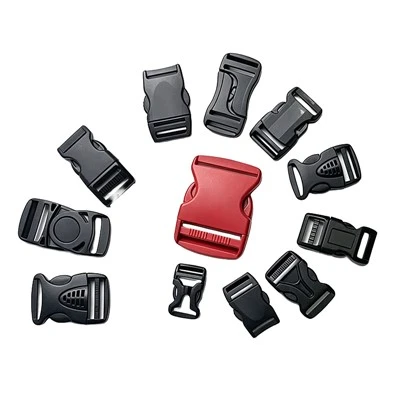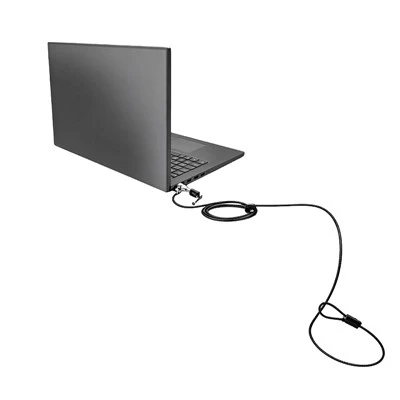


If you’ve ever rushed to grab your coffee between meetings, only to freeze mid-step when you realize your laptop’s still sitting in the open conference area, you know how scary it is to leave your device unattended in public. When it comes to locking laptops down, two products come up over and over again: laptop lock plates and Kensington locks. Wait—are they the same thing? Nope, not even close. I’ve been working as a supplier of laptop security lock plates for a few years now, and I still get customers mixing these two up all the time. Let me break it down like I would for a small business owner panicking before a trade show.
First off, let’s get the basics straight. For anyone who’s not deep in the laptop security game, both are designed to stop your laptop from being stolen when you step away, but their anatomy, how they work, and who they’re for are totally different. Let’s start with the OG here: Kensington locks. You’ve probably seen that tiny, slot-shaped hole on almost every modern laptop—that’s the Kensington Security Slot, invented way back in the 1980s by Kensington Computer Products Group (hence the name). A basic Kensington lock is a cable and a lock that plugs directly into that slot. Think of it like a bike lock for your laptop: one end is a metal cable, the other is a lock body that clips into that Kensington slot. It’s quick to set up—you just thread the cable around a heavy table leg or a fixed desk, lock it, and your laptop’s basically stuck there. But here’s the catch: it only works if your laptop has that Kensington slot. Newer thin-and-lights, MacBooks with USB-C ports, some gaming laptops designed for portability—lots of them don’t have that slot anymore. I’ve had customers come to me frustrated because their new MacBook Pro doesn’t take a standard Kensington lock, and they don’t know what to do. You can pick up different types of Kensington locks too, like combination ones so you don’t have to carry a key, or keyed ones for extra security. If you need a cable lock that fits the traditional slot, check out our Portable Laptop Cable Lock or the Combination Laptop Cable Lock for quick, keyless access.
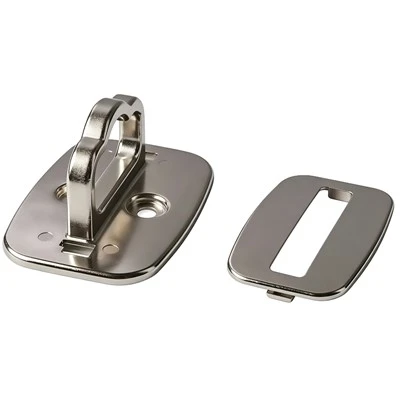
Now, what about a laptop lock plate? That’s where I come in—this is the product I supply, and it’s basically the solution for all the laptops that don’t have a Kensington slot. A laptop lock plate is a small, rigid metal plate (usually stainless steel, so it doesn’t bend or break easy) that you mount on your laptop’s chassis, usually on the underside or the back. It has a small slot or hole built into it that’s made to work with any standard Kensington lock. The installation part? Most people think it’s complicated, but it’s actually super straightforward—you just peel off the adhesive backing (it’s industrial strength, no falling off mid-flight) and stick it on, or if you want it more permanent, you can screw it in. The whole point is to create a Kensington-compatible point on a laptop that doesn’t have that original slot. So if you’ve got a new laptop without a Kensington slot, a lock plate turns it into one that works with every cable lock out there—whether it’s a keyed Kensington lock, a combination lock, whatever. That’s a game-changer for anyone with a modern MacBook, ultrabook, or business laptop that skipped the Kensington slot to keep things slim.
Let’s talk about the real differences here, because listing “different parts” is boring. First, compatibility. Kensington locks only work if your laptop has that Kensington Security Slot. Lock plates work for any laptop—no slot required. That’s the biggest one I see customers miss. I had a customer last year with a 16-inch MacBook Air that didn’t have a Kensington slot; he tried using a Kensington lock adapter that he found on Amazon, but it was flimsy and broke after a week. He came to me, got a laptop lock plate, stuck it on, and now uses his Keyed Laptop Cable Lock without any issues. No more cheap adapters breaking.
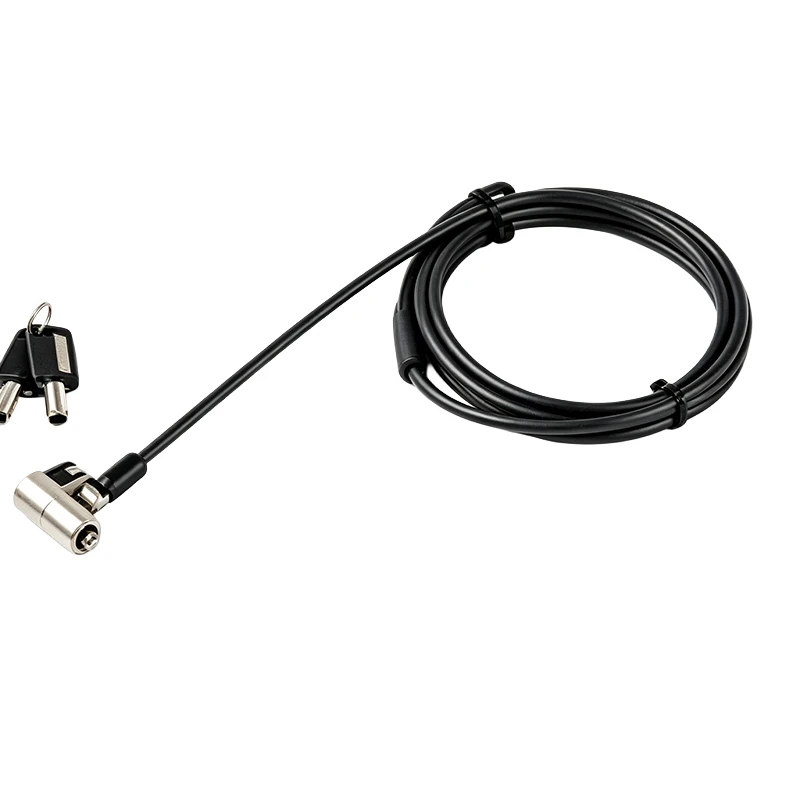
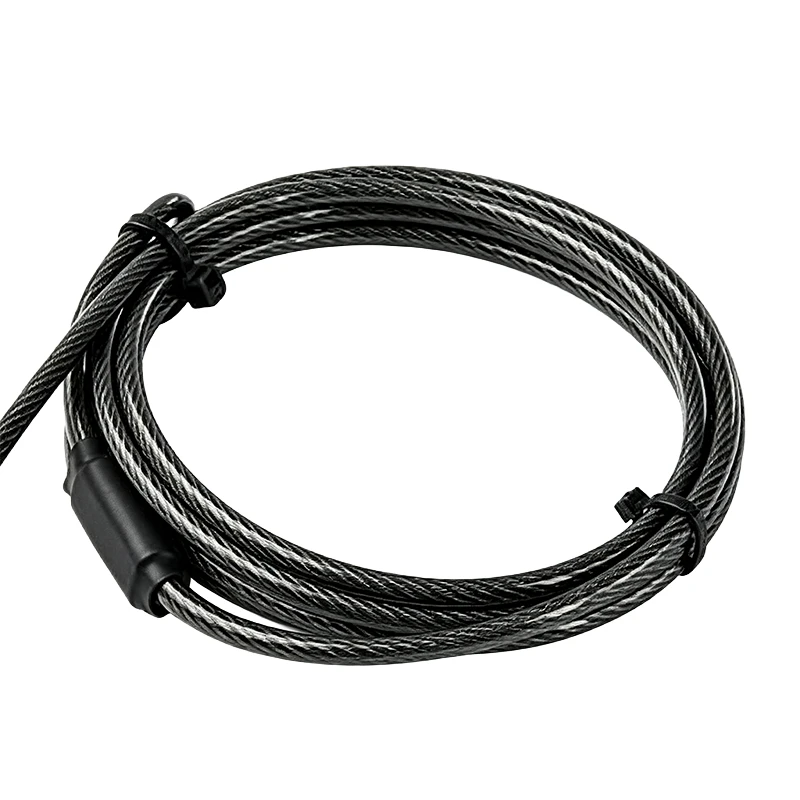
Next, installation time. Kensington locks take like 10 seconds to set up—you just plug it in, wrap the cable around something heavy, and you’re good. Lock plates take a little longer, like a minute or two to peel and stick (or screw in). But here’s the tradeoff: if your laptop doesn’t have a Kensington slot, you can’t use a Kensington lock at all. A lock plate lets you use the same quick-setup Kensington locks, but with the added step of mounting the plate. For most people, that one extra minute is worth it to not have to worry about their $1,500 laptop walking off.
Security level? Wait, both are fairly low-level security, let’s be real. Neither is going to stop a determined thief who’s got a pair of bolt cutters. But Kensington locks can be tampered with if the lock is flimsy—some cheap ones use plastic locks that can be pried open. Lock plates, though, since they’re metal, are way harder to remove without taking the laptop’s chassis apart. If you mount a stainless steel lock plate, a thief would have to pry it off, which would damage your laptop’s bottom or back—something they probably don’t want to deal with, since they’d have to sell it as is. That’s a small upgrade, but it matters for anyone who’s leaving their laptop in a busy café or co-working space.
Wait, another thing: portability. If you’re bouncing between coffee shops and the office, a Kensington lock is kind of a hassle to carry around—you’ve got the cable and the lock. A lock plate stays on your laptop, so you don’t have to remember to bring an extra cable or lock with you. You just grab your laptop and go, and when you need to lock it down, you bring your Kensington lock cable with you. That’s way simpler for people who are always on the move. I’ve designed our lock plates to be thin, so they don’t add bulk to your laptop bag—no one wants a bulky addition to their already full carry-on.
Let’s also talk about use cases, because that’s where people get confused. Who should use a Kensington lock? If your laptop has the original Kensington slot, and you’re only locking it down at a fixed desk or booth—like in a library, or a small office where you’re at the same spot every day. Kensington locks are cheap, easy, and they do the job. But if you don’t have that slot, or you’re moving around a lot, a lock plate is the way to go. Our Computer Lock Security Plate is made for exactly that—fits all modern laptops, sticks on in seconds, and works with every Kensington-style cable lock. I even have a few clients who use them for their desktop computers too—if you’ve got a desktop tower that’s sitting in a busy lab or a shared workspace, a desktop lock paired with a security plate works great. Speaking of desktops, check out our Desktop Computer Security Lock if that’s what you need.
Wait, let’s clear up a common myth: some people think a laptop lock plate is just an adapter. No, it’s not. An adapter is a cheap plastic thing that sits in the USB-C or Thunderbolt port, and it’s flimsy. A lock plate is a permanent (or semi-permanent) metal part attached to your laptop’s body. Adapters can fall out if you bump your laptop, or break if you pull on them hard. Lock plates are made to be there for the life of your laptop—well, as long as you use the right adhesive. Our lock plates use a 3M industrial adhesive that’s strong enough to hold up to drops, temperature changes, and even being tossed in a bag. I’ve had customers test them by yanking on the cable as hard as they can (don’t do that, but some people do) and the plate didn’t budge. The adapter? It would break instantly.
Another point: aftermarket vs. factory. A lot of business laptops have Kensington slots built in, but consumer laptops (like MacBook, Surface, some Lenovo Ideapads) are skipping them to make the laptops thinner. So if you bought a laptop in the last 3-4 years, there’s a good chance it doesn’t have the Kensington slot. A lock plate is the only way to add that Kensington compatibility after purchase. Kensington locks are just the factory-designed lock for the original slot—no adding anything, since the slot is already there.
Let’s get real about who needs which. If you’ve got a laptop with a Kensington slot, a Kensington lock is perfect for you. It’s cheap, easy, and works. But if you have a newer laptop without that slot, or you want a little more security without carrying extra stuff, a laptop lock plate is the answer. I’ve had customers come to me saying they wasted money on Kensington lock adapters that didn’t work, or they had a Kensington lock that broke because their laptop’s slot was plastic. The lock plate fixes all that—you get a solid metal point to attach your lock, no more flimsy parts.
Wait, what about installation? Like I said, most lock plates are peel-and-stick. You just clean the area where you want to mount it (usually the bottom back corner of the laptop, where it’s least noticeable), peel off the backing, press it on for 30 seconds, and you’re done. No tools, no drilling, no messing up your laptop. Some people worry about adhesive residue—we use a removable adhesive for most of our plates, so if you ever want to take it off, it won’t leave a sticky mess on your laptop. That’s a big one for people who don’t want to damage their expensive device.
Is there any overlap? Sure—both are laptop security solutions, both use the same type of cable locks (usually). But the key difference is compatibility and installation. Kensington locks are for laptops with the original slot, quick setup, minimal extra parts. Lock plates are for laptops without the slot, a tiny bit of extra setup, better security, and works with any standard Kensington lock.
Now, let’s talk about what I see in the industry. More and more laptop manufacturers are skipping Kensington slots to make devices thinner and lighter. That means the demand for lock plates is going up, and for good reason. Consumers and small business owners don’t want to be stuck with a laptop that can’t be secured in public. I’ve worked with a lot of startup teams that have 10+ MacBook Airs—they all get lock plates, so they can use the same Kensington locks for each device, no need for multiple different lock types. It’s cheaper in the long run too—instead of buying a different lock for each laptop, you buy a set of Kensington locks and a pack of lock plates, and you’re good to go.
If you’re still unsure which one you need, here’s a quick checklist: 1. Does your laptop have the Kensington slot? If yes, get a Kensington lock. If no, go to step 2. 2. Do you want to keep your setup portable (no extra stuff to carry)? If yes, a lock plate is better—you just bring your lock cable with you. If you don’t mind carrying the lock around, either works, but lock plate is still more secure. 3. Are you worried about the security of a thin, plastic Kensington slot? If yes, a metal lock plate is a better choice, since it’s way harder to tamper with.
At the end of the day, both Kensington locks and laptop lock plates are meant to prevent theft, but they’re built for different scenarios. If your laptop has that old slot, Kensington is simple and cheap. If you’ve got a modern laptop without it, a lock plate turns it into a Kensington-compatible device, so you can use the same reliable cable locks without settling for flimsy adapters.
If you’re looking to stock up on either locks or lock plates, or you have questions about which one works for your devices, our team is here to help. We’ve worked with small businesses, universities, and even remote workers who need secure laptop options, and we can help you find the right setup for your needs. Don’t let your laptop be the next item left in a busy café—reach out to us to chat about bulk orders, custom setups, or just get advice on which product fits your devices.
References:
- Kensington Computer Products Group. (1986). Introduction to the Kensington Security Slot. Retrieved from industry archives on portable device security standards.
- Laptop Magazine. (2023). 10 Best Laptops Without a Kensington Slot for 2023.
- 3M Adhesive Technologies. (2022). Industrial-grade adhesive performance for electronic device accessories.
- Co-working Space Security Survey. (2024). Small business device theft trends in urban shared workspaces.