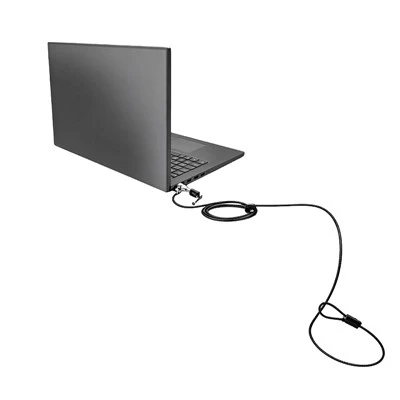


If you’ve ever spent a few hundred, or even a few thousand, dollars on a laptop, the first thing you probably think about isn’t how to carry it—it’s how to keep it from walking off when you turn your back for 60 seconds to grab coffee or use the restroom. As a supplier of laptop security solutions, I get asked this question all the time: Can a laptop security lock plate be installed on a laptop lid? It’s a logical question, too. The lid is one of the largest, flattest, most accessible surfaces on a laptop, and it’s right there, front and center, when you’re working. Most people associate laptop lock points with the side or rear edge of the device, where standard Kensington ports live, so the idea of adding that security hardware to the lid makes sense. But before I dive into whether that works, let’s break down what a security lock plate actually is, how it’s designed, and why the lid is a trickier spot than you might think.
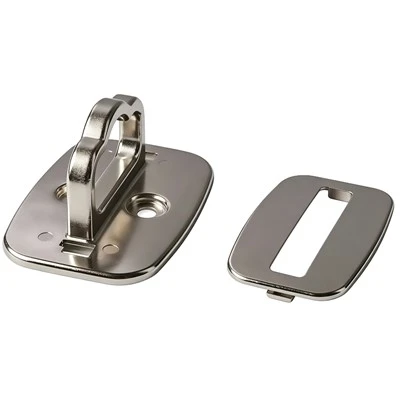
First, let’s get clear on definitions. A laptop security lock plate is a thin, rigid metal component that’s meant to be mounted to a specific part of your laptop to create a secure anchor point for a locking cable. You’ve probably seen the standard Kensington lock port— it’s that small, grooved slot on the side of most laptops— and that’s the original anchor point. Over the years, though, many laptops have skipped including that port, either to save space, cut costs, or keep the design sleek. That’s where products like the laptop security lock plate come in; they’re designed to add a compatible anchor even to laptops without built-in ports. If you’re looking for a direct anchor for edge-mounting, you might also check out the laptop anti theft cable lock, which pairs perfectly with these plates when mounted on the side of your device. But back to the lid.
The lid of a laptop has a very specific design purpose: it’s a thin, curved piece of plastic or aluminum that’s engineered to be lightweight and rigid enough to protect the screen, but flexible enough to open and close hundreds of times without cracking. That flexibility is the key issue here. Laptops that have built-in lock ports almost always mount those ports to the base, not the lid, because the base is thicker, stiffer, and less prone to movement. The lid, by contrast, will flex slightly when you apply pressure— if you’ve ever felt your laptop lid bow a little when you press on the center, you know exactly what I mean. A security lock plate needs to hold steady under tension; when you thread a cable through it and anchor it to a desk or table, there’s going to be force pulling on that plate. If the plate is on the lid, that force will push the lid to flex, and over time, that can lead to damage. You might get a cracked lid, a broken screen, or even the plate itself pulling free because the material it’s mounted to isn’t meant to hold that kind of load.
I’ve seen this happen with customers who try to improvise mounting points. A few years back, a small business owner reached out to me after he tried gluing a generic metal plate to the lid of his $1,500 laptop. He used super glue, figuring that would hold it in place, but when he left it secured to a conference room table, someone tried to yank it loose. The plate ripped right through the thin plastic of the lid, and the entire screen had to be replaced— costing him almost as much as the plate and a locking cable combined. That’s the kind of mistake that makes me want to spell out the risks, not just for my own products, but for anyone who’s looking to keep their laptop safe.
That said, it’s not that a security lock plate can never be on a laptop lid— it’s that it’s not the ideal spot, and there are specific ways to do it if you’re set on it. The problem with most standard laptop security lock plates is that they’re designed to be mounted to a rigid surface, like the metal chassis of the laptop base. If you want to put one on the lid, you need a plate that’s reinforced to handle flex and tension, and that’s secured in a way that spreads the force out over a larger area of the lid, so it doesn’t puncture or damage the screen. A lot of my customers ask about this, so I’ve worked on custom plates for laptops where the only available empty flat surface is the lid, like some ultra-slim convertible models that have no side ports and a very small base. For those situations, I recommend using a plate that has a wide, flat back, so it distributes pressure evenly, and mounting it with industrial-grade adhesive that’s made for plastics or metals, depending on the lid material. Even then, though, I always advise testing it gently first— attach the plate, apply a small amount of tension to the cable, and check the lid for flexing or warping before leaving it unattended for long periods.
Wait, but why would you even want the plate on the lid in the first place? Let’s talk about the alternatives, because sometimes the best solution isn’t the first one you think of. If your laptop doesn’t have a built-in lock port, the standard approach is to mount a security lock plate to the base of the laptop, not the lid. The base is much sturdier— it houses the battery, the keyboard, and all the internal components, so it’s thick enough to support the tension of a locking cable. This is where my line of products shines, and if you’re not sure which one fits, you can browse our full range at /computer-locks/laptop-security-lock-plate.html. Another option, if you don’t want to deal with a plate at all, is a combination laptop cable lock. These don’t require a separate plate; they work with a small, self-locking design that fits into most standard Kensington ports, and you just set your own combination to unlock it. That’s a popular choice for students who are hopping between dorms and libraries, because it’s quick to use and doesn’t require any permanent mounting. If you prefer the convenience of a set-and-forget lock, the keyed laptop cable lock might be a better fit— it comes with two keys, so you don’t have to remember a combination, and it’s just as secure as the combination model.
I also get questions about desktop computer security locks, but those are for full desktop towers, not laptops, so they’re a different category. Laptops are much easier to move, so their locks need to be smaller, more portable, and anchored to a surface that’s not a heavy, immobile case. That’s why the design of laptop lock components is so specific— they have to balance security with the need to be lightweight enough to carry around.
So circling back to the original question: Can a laptop security lock plate be installed on a laptop lid? The short answer is yes, it’s technically possible, but it’s not recommended for most users, and it carries a higher risk of damage to your laptop. The lid isn’t designed to support the tension of a security lock, so even if you get a plate mounted correctly, there’s a good chance you’ll end up with a damaged lid or screen over time. If your only option is the lid, go with a reinforced plate that spreads pressure evenly, test it gently, and avoid pulling or yanking on the cable. But for the vast majority of users, mounting the plate to the base of the laptop is far more secure and far less likely to cause damage.
Another thing to consider is the type of environment you’re using your laptop in. If you’re in a home office, where you only leave your laptop unattended for a few minutes at a time, even a basic locking cable might be enough. But if you’re in a public space— a coffee shop, a library, a co-working space— where people are coming and going, a proper lock plate and cable is a non-negotiable. I’ve had customers tell me they’ve had laptops stolen from coffee shops just because they thought a basic cable would be enough, but a lock plate adds that extra layer of security that makes it much harder for a thief to yank the laptop free without making a lot of noise or drawing attention.
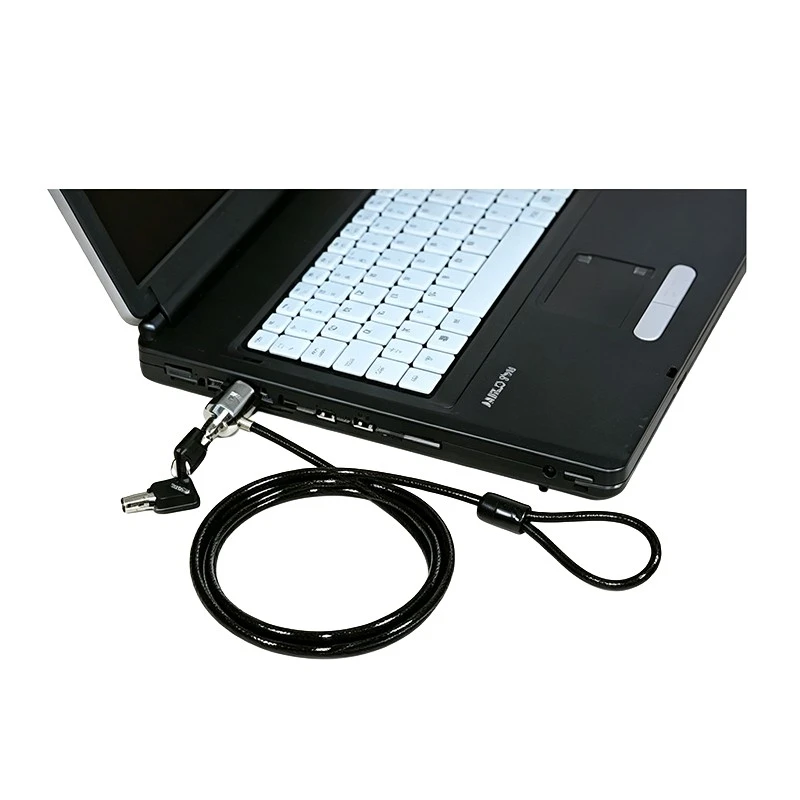
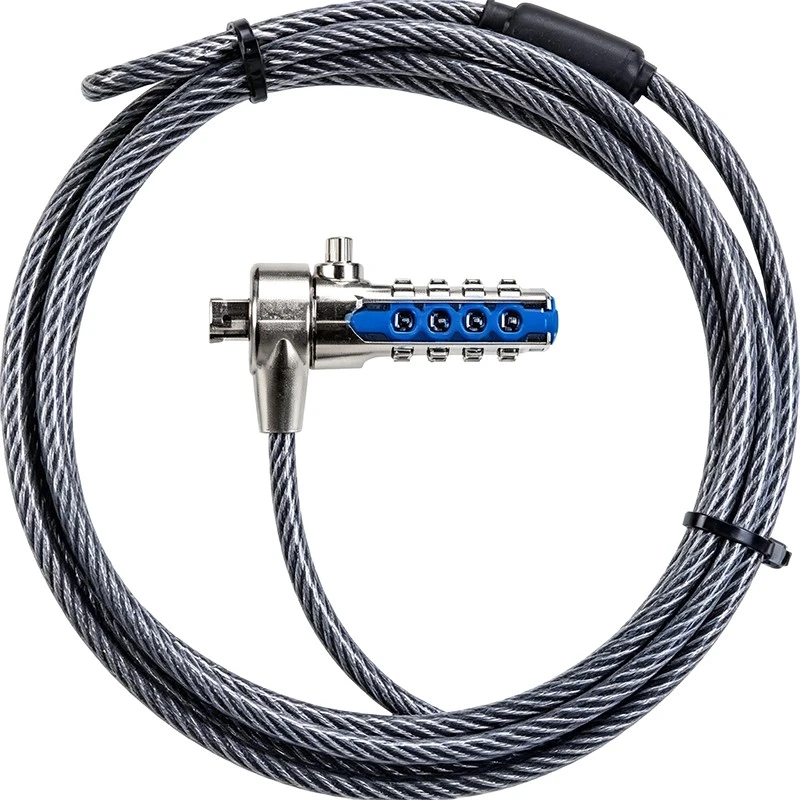
I’ve also learned a lot over the years from customers who’ve tested different solutions. Last year, a freelance graphic designer reached out to me because she had a 13-inch MacBook that didn’t have a Kensington port, and she was worried about leaving it at her studio. She tried a generic cable lock that clipped onto the edge of the lid, and after a month, the lid developed a small crack right where the lock was pulling on it. She ended up switching to a laptop security lock plate that I recommended, which mounts to the base of her MacBook, and she hasn’t had any issues since. The key takeaway here is that permanent mounting points, like a lock plate, should always go to the sturdiest part of your laptop, not the thinnest, most flexible part like the lid.
If you’re still on the fence about what’s right for your laptop, here’s a quick checklist to follow. First, check if your laptop has a built-in Kensington port on the side or rear. If it does, a laptop anti theft cable lock will work perfectly with that, no plate needed. If it doesn’t, measure the thickness of your laptop’s base and lid. The base is almost always thicker, so that’s your best bet for a lock plate. If you absolutely have to mount to the lid, make sure the plate is at least 2mm thick metal, with a wide, flat back, and use an adhesive that’s rated for that specific lid material (plastic, aluminum, etc.). And always, always test the tension before leaving your laptop unattended.
At the end of the day, laptop security is about balancing convenience and protection. You don’t want to have to deal with a bulky, hard-to-use lock, but you also don’t want to lose a $1,000 device because you took a shortcut on the mounting spot. That’s why I design my products to work with the parts of your laptop that are built to last— the base, not the lid. The laptop security lock plate I offer is made from heavy-duty zinc alloy, so it can handle the tension of a locking cable, and it’s designed to mount seamlessly to laptops without built-in ports, no drilling or permanent damage required. If you’re looking for more info on any of these products, you can browse the full line here.
If you have questions about which lock or plate works for your specific laptop, or if you’re a business looking to bulk order for your team, don’t hesitate to reach out. I’ve spent years testing these products, talking to customers about their pain points, and refining my designs to make sure they’re as secure and easy to use as possible. Laptop theft is a real problem, but with the right lock, mounted the right way, you can drastically reduce the risk of losing your device and all the data on it.
Before I wrap this up, I want to clear up one common misconception: a security lock plate isn’t just another add-on. It’s a critical part of a secure locking system, because it creates a fixed, solid anchor point that doesn’t move or slip. A lot of people try to use adhesive-only locks or cables that just clip onto the edge of the laptop, but those can be pried loose with a flathead screwdriver in seconds. A properly mounted lock plate, though, requires a thief to either break the plate (which is hard, because it’s made of metal) or cut the cable, which is loud and will draw attention. That’s the kind of security that makes a difference when you’re stepping away from your laptop.
So to answer the original question one more time: yes, you can install a laptop security lock plate on a lid, but it’s not the smartest choice for most users, and it comes with avoidable risks. The lid’s flexibility makes it a poor anchor for the tension a locking system creates, and you’re much better off mounting the plate to the sturdier base of your laptop. If you’re in a pinch and have no other option, go with a reinforced plate designed for flexible surfaces, but always prioritize the base when possible.
If you’re ready to take the next step to secure your laptop, or if you have questions about what products work best for your setup, reach out to discuss procurement. We can help you find the right solution for your individual needs, whether you’re a student, a freelancer, or a business owner.
References:
- Consumer Reports (2022). Laptop Security: How to Protect Your Device from Theft. Retrieved from Consumer Reports website
- Kensington Technical Documentation (2021). Kensington Lock Port Design and Compatibility Standards. Retrieved from Kensington website
- Laptop Mag (2023). The Best Laptop Locks for 2023. Retrieved from Laptop Mag website
- University of California, Berkeley (2022). Campus Laptop Theft Prevention Guidelines. Retrieved from UC Berkeley Information Security website